Audit log
Look up every action run and every change in a project, including denied attempts; filter by user, event, environment, outcome and date, and export to CSV.
The Audit log records every action run and every write operation in a project: who performed it, what was done, in which environment, when, and whether it succeeded or was denied. Use the audit log to investigate incidents, for example to find out who ran the delete-order action on production the previous afternoon.
Required roles
Section titled “Required roles”You need the Admin role or above. Editors and Viewers do not see this menu; they check each action’s run history on the Run action page.
What is recorded
Section titled “What is recorded”- Every action run, from the Run action page, a view, a JS action, a job or a schedule, including runs denied for lack of permission.
- Every change: editing and publishing actions, members, groups, action permissions, variables, secrets, environments, data sources, views, jobs and schedules, the project, and CSV exports.
- The log is append-only; entries cannot be edited or deleted.
Sign-in events are recorded at the organization level and are not part of a project’s audit log.
Search the log
Section titled “Search the log”- Go to Administer > Audit log.
- Use the filters at the top of the page:
- User: show only one user’s operations.
- Action: show only events for one action.
- Event: an event group, for example Run action, Edit / publish action, Action permissions, Secrets, Data sources, Jobs & schedules, CSV export.
- Environment: for example production only.
- Outcome: Success, Denied or Error.
- From / To dates.
- Click Clear filters to show the whole log again.
- Each row shows Time, Event, Outcome, User, Environment, Object and IP. Expand a row to see the Full details.
- Click Load more at the bottom of the list to load older entries.
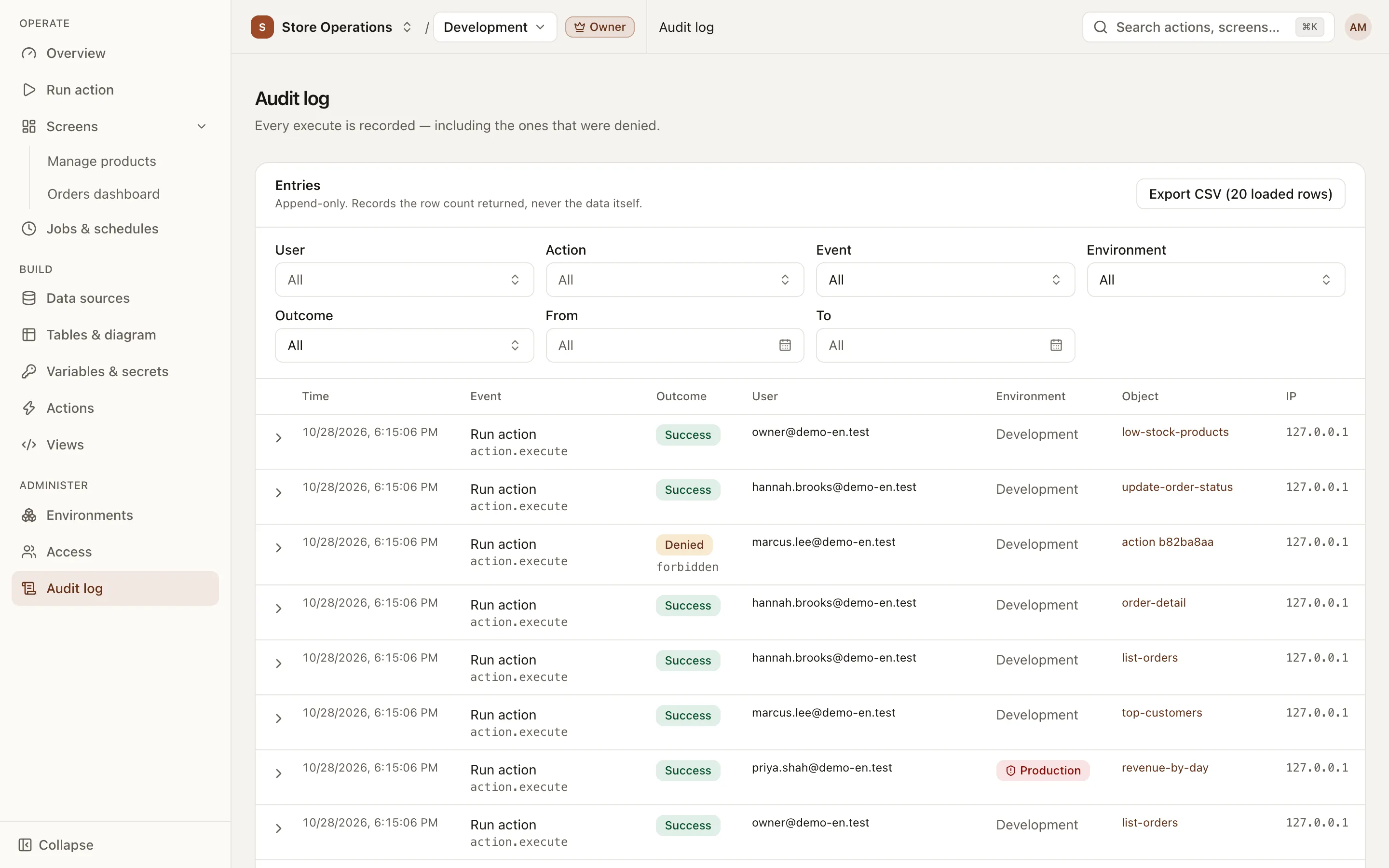
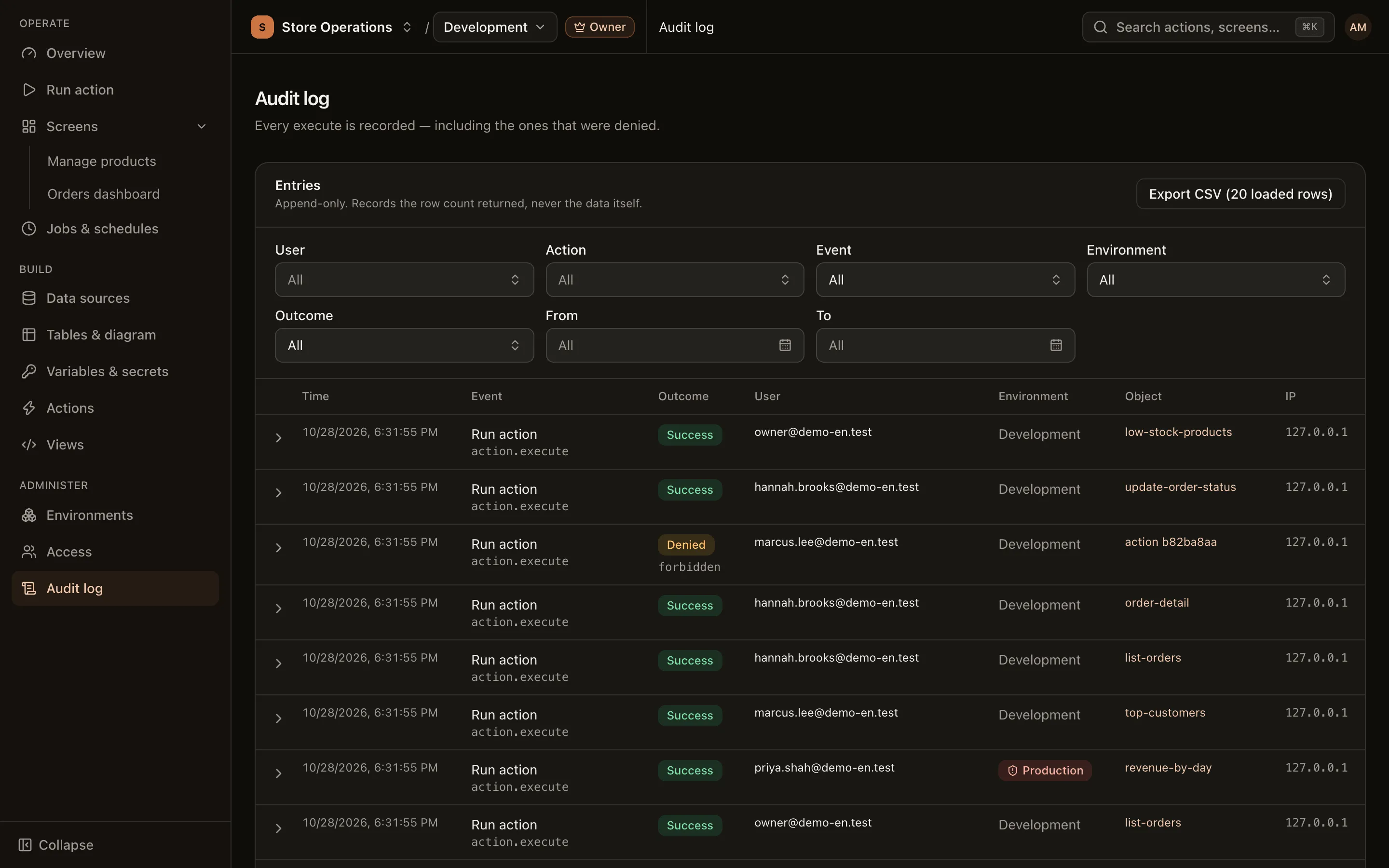
To investigate an incident, filter by the production Environment, the Run action Event and a date range, then set Outcome to Denied to see attempts to run actions without permission.
Export CSV
Section titled “Export CSV”Click Export CSV (N loaded rows) to download the entries currently loaded for your filters. If some entries are not loaded yet, click Load more first to include them. Each CSV export is also recorded in the log.