Variables & secrets
Store per-environment values and use them in SQL as {{$var.KEY}} (readable) or {{$secret.KEY}} (write-only).
Variables and secrets are per-environment values that actions use at run time, for example a support email that differs between dev and prod, or a token for calling another system. You write them into SQL like parameters, but users do not enter them: the platform fills in the values for the environment the action runs in.
| Variable | Secret | |
|---|---|---|
| Syntax in SQL | {{$var.KEY}} | {{$secret.KEY}} |
| Can be read back | Yes. Every editor can see it | No. Write-only; nobody can read it back |
| Written to the audit log | The value is recorded permanently | No |
| Use for | Non-secret values | Tokens, passwords, API keys |
Required roles
Section titled “Required roles”You need the Editor role or above. The page works on the environment selected in the top bar. To set a value for prod, switch to prod first.
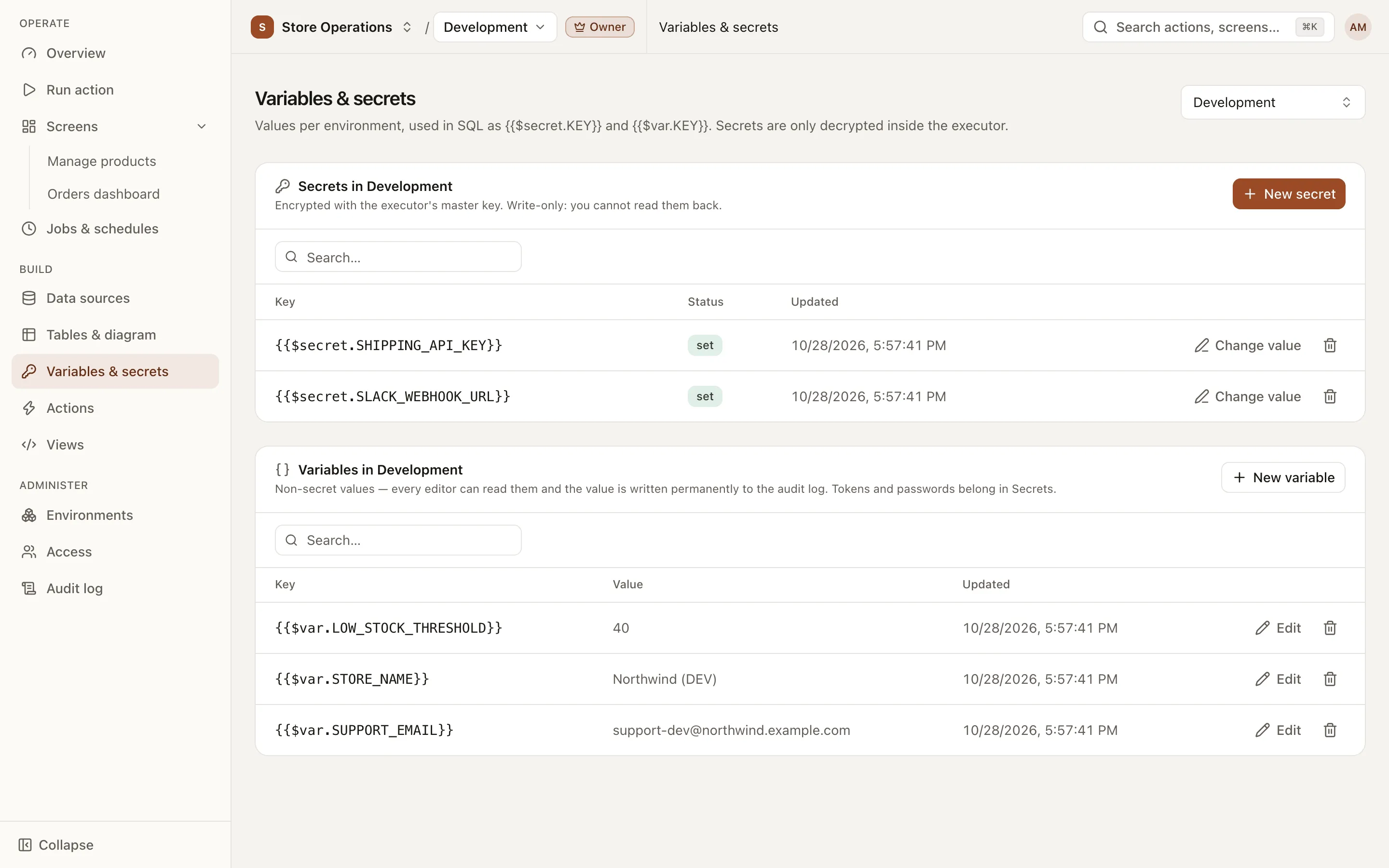
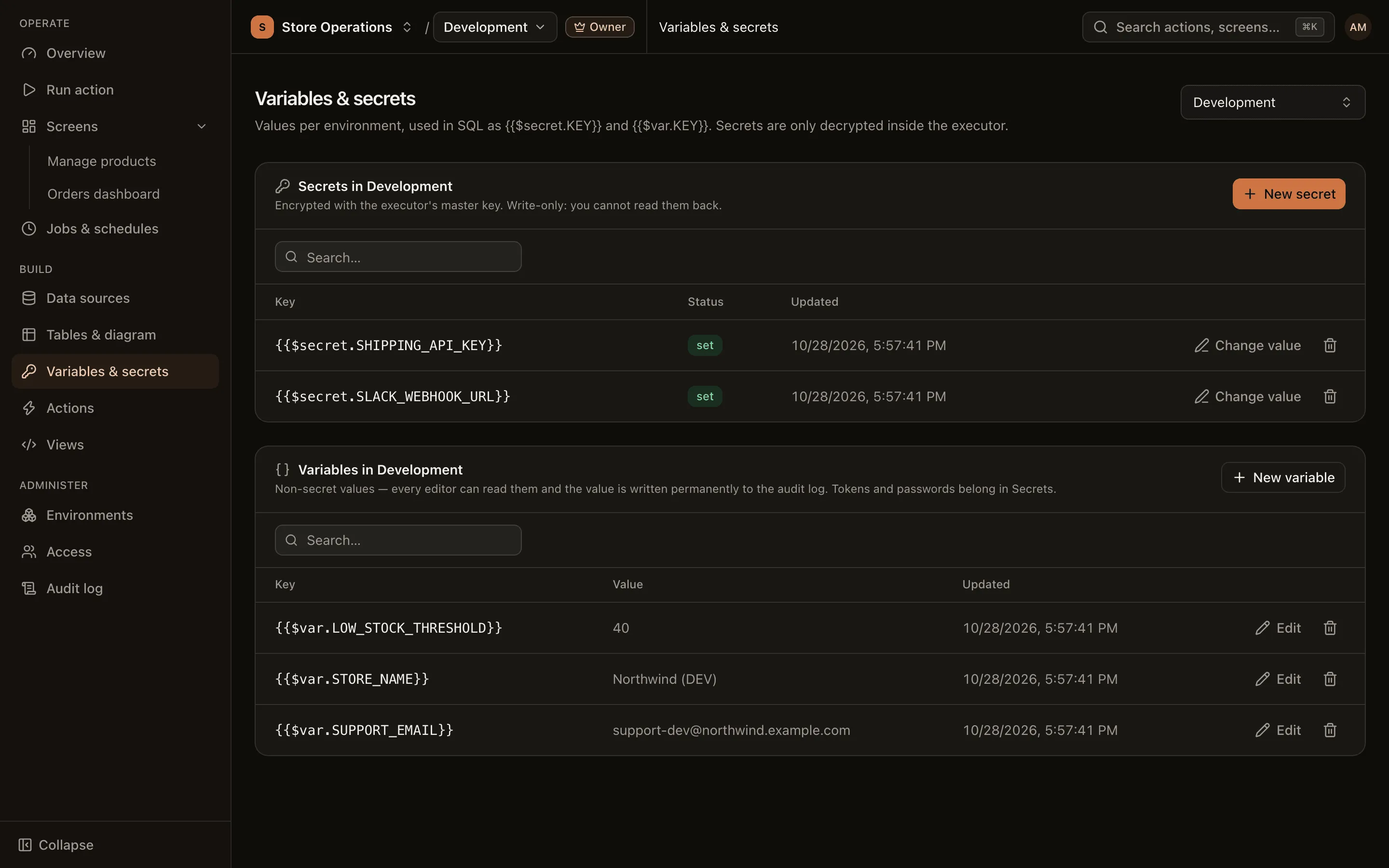
Add a variable
Section titled “Add a variable”- Go to Build > Variables & secrets and select the environment in the top bar.
- In the Variables in environment card, click New variable.
- Enter a Key (uppercase letters, digits and underscores only, not starting with a digit, for example
SUPPORT_EMAIL) and a Value, then save. - To change the variable later, click Edit on its row.
If the key or value looks like a secret (a token or password), the form shows a warning. Variable values are visible to every editor and remain in the audit log permanently. Click Save as secret to store the value as a secret instead.
Add a secret
Section titled “Add a secret”- In the Secrets in environment card, click New secret.
- Enter a Key and a Value, then save.
- From this point, the table shows only the status set. To change the secret, click Change value and overwrite it with a new value.
Use them in SQL
Section titled “Use them in SQL”SELECT id, customer, totalFROM ordersWHERE region = {{$var.DEFAULT_REGION}} AND created_by = {{$user.email}}{{$var.KEY}}and{{$secret.KEY}}are always passed as bound values and are never inserted into the SQL text.- In addition to variables and secrets, SQL can use
{{$user.id}},{{$user.email}}(the user running the action) and{{$env.id}},{{$env.slug}},{{$env.isProduction}}(the environment it runs in). - You do not declare these values in the action’s Params section.
- JS actions can read variables through
ctx.varsbut cannot read secrets. See JS actions.
Delete a variable or secret
Section titled “Delete a variable or secret”Click the delete button on the row, then type the key to confirm. Actions that use the key fail when they run. A deleted secret cannot be recovered. For a variable, the confirmation dialog shows the current value so that you can copy it if needed.